1
Create a project
A new project automatically creates the first version. That gives the calculation a clear place to live before any scenario inputs are added.

How GridGap works
GridGap begins with the appliances that need power, then guides the user through scenario choice, operating hours, system inputs, calculation results and review notes.
Guided setup is available when you want a starting point. Experienced users can open a blank scenario instead.
One project, one clear path
Most people can complete a first calculation without touching every technical field. The structure stays the same whether you are planning a small boat system or a larger AC backup installation.
A new project automatically creates the first version. That gives the calculation a clear place to live before any scenario inputs are added.
Select appliances from the library, add quantities and review defaults such as running watts, surge factor, duty cycle and power factor. Other appliances can be added when the library does not contain the exact item.
Select the system type that matches the proposed architecture: AC, DC or mixed AC/DC, with battery-only or solar-assisted supply.
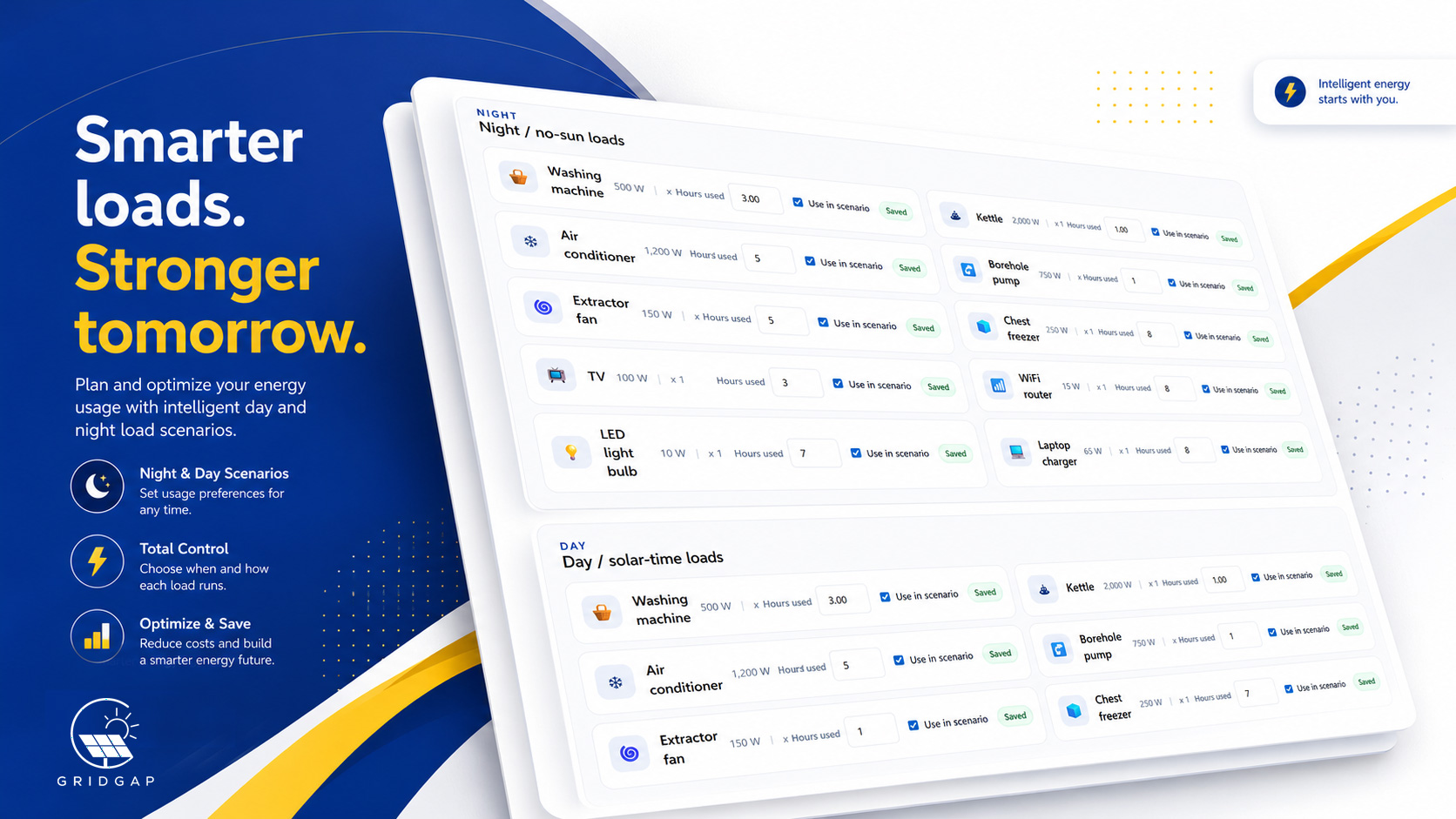
Each scenario creates load groups where the user enters how long each appliance runs. Solar scenarios separate daytime solar loads from no-sun or night-time loads.
Guided setup seeds useful starting values from the load data. Blank setup leaves those values open for users who already know what they want to enter.
GridGap calculates the relevant requirements, shows warnings and keeps the assumptions visible so the result can be reviewed instead of treated as a black box.
The master appliance list
The appliance list is the starting point for the whole calculation. Add the equipment that will run, set the quantity and decide whether the supplied defaults are suitable.
Two ways to begin
Both routes still use the appliance list and load groups. The difference is whether GridGap fills starting values from the load data.
Useful for users who know what they want to run but do not yet know the battery, inverter, solar or distribution figures to enter.
Better for users who already have their own assumptions, equipment targets or technical figures and do not want seeded guidance values.
Simple mode keeps the main requirements visible. Technical mode adds deeper control over assumptions and installation-related calculations.
Calculation and review
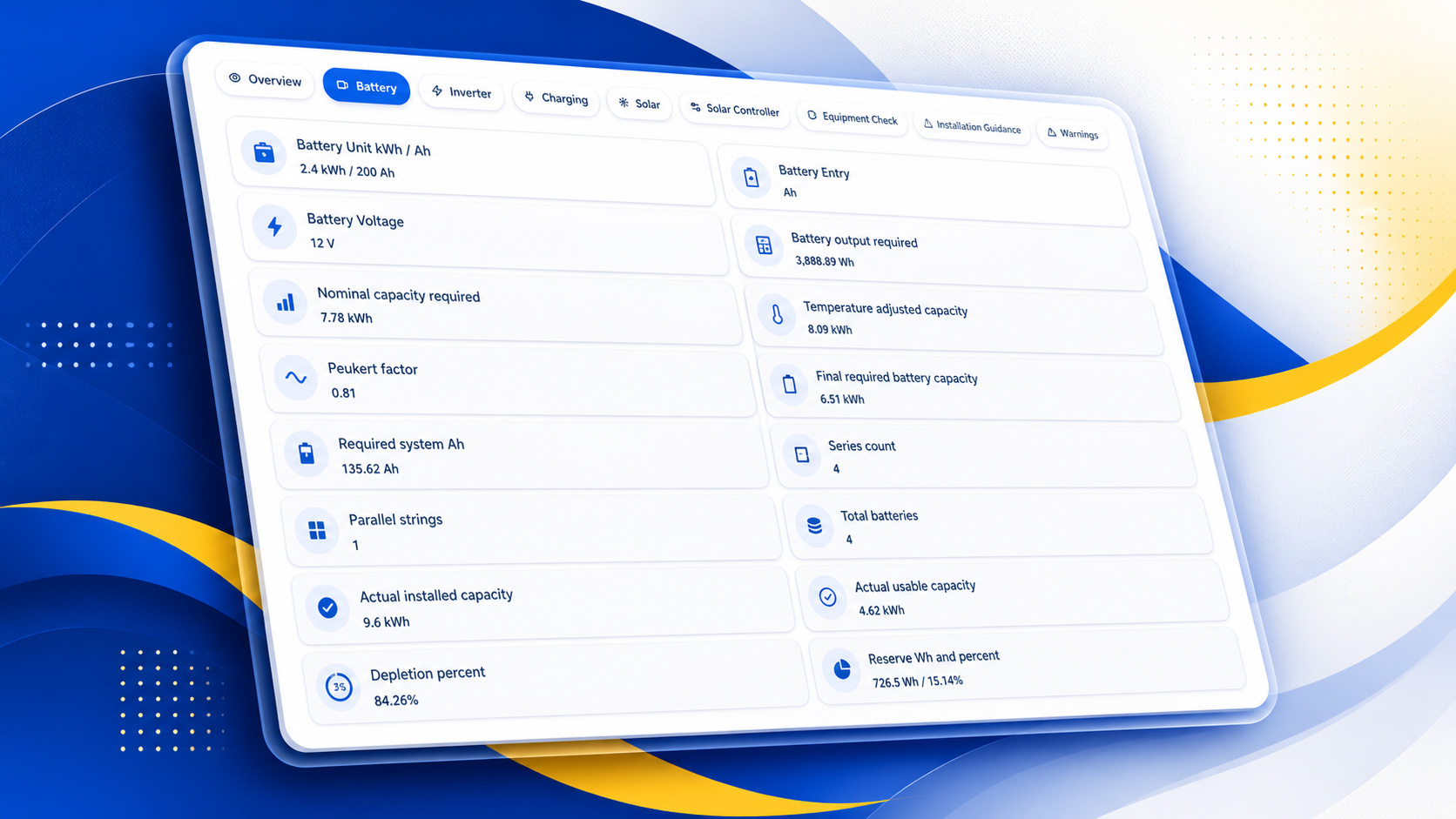
GridGap can calculate batteries, panels, inverter sizes, charger requirements, DC distribution needs, wiring-related outputs, interconnectors, battery and solar series or parallel arrangements, warnings and information about the proposed setup when the relevant inputs are present.
The result is still preliminary planning guidance. Final equipment selection, protection, wiring and installation decisions need qualified review.
Projects and versions
Version 1
Keep the original calculation available for review.
Version 2
Change the design without overwriting the earlier result.
Once that version calculates cleanly, create another version when you want to test a different design or operating assumption.