What do the loads use?
AC appliances require an inverter. DC loads require a suitable distribution path and may need voltage conversion.

Six scenario types
The right scenario is not based on whether the project is a house, boat or workshop. It is based on the loads, the available charging sources and whether the system supplies AC, DC or both.
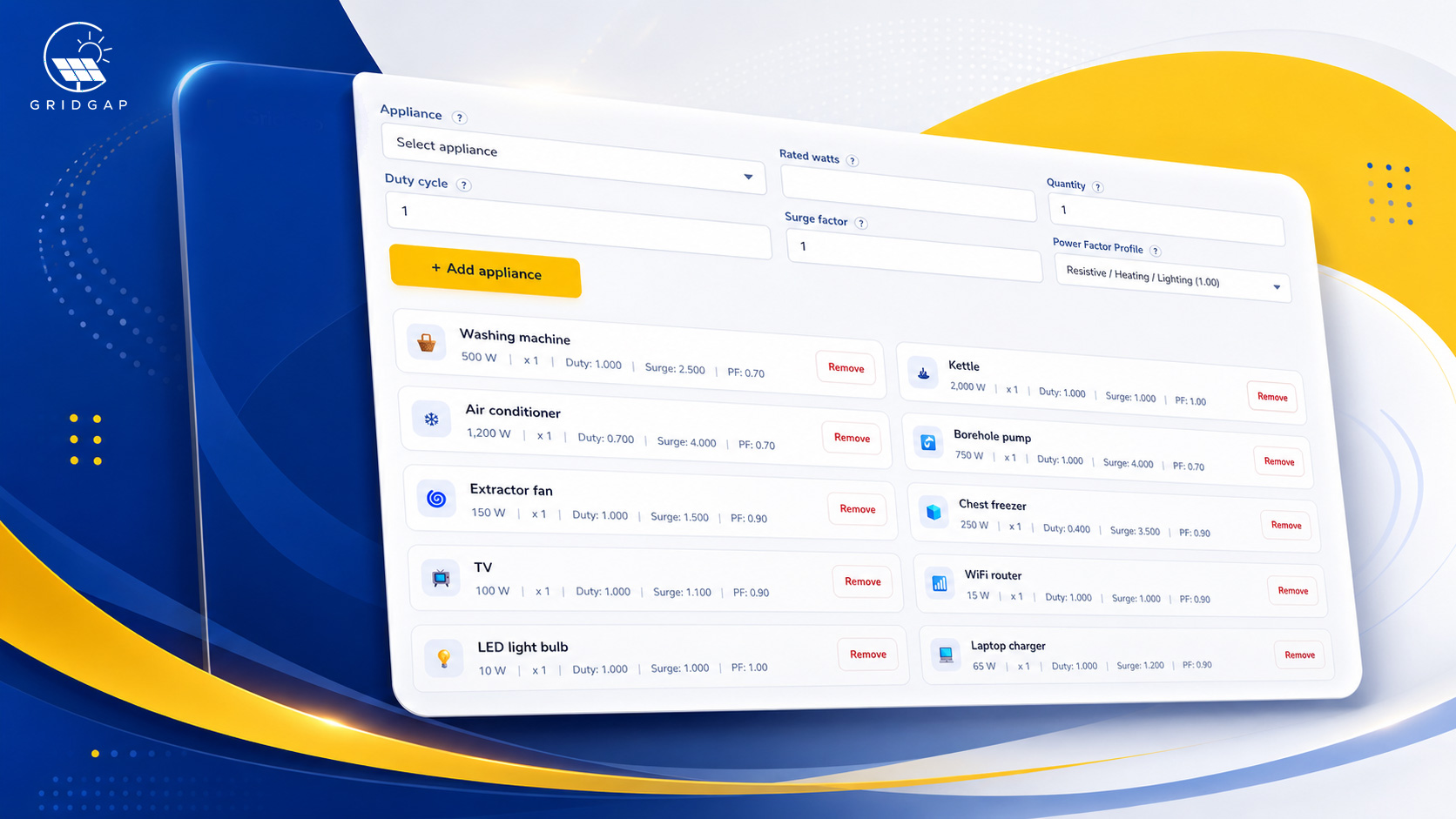
Start with three questions
AC appliances require an inverter. DC loads require a suitable distribution path and may need voltage conversion.
Solar scenarios add daytime and no-sun load groups, PV inputs and controller requirements.
Grid, generator and shore-power charging can be represented where an AC charging source is available.
The scenario families
Each route changes the inputs GridGap asks for and the results it can calculate. Pick the one that describes the proposed system, not the one that sounds most familiar.
For installations where the loads are supplied as AC.
For boats, RVs, sheds, tiny homes and other systems with DC loads.
For systems that run AC appliances and DC equipment from the same battery system.
Solar scenarios
Solar changes when energy is supplied, not just how much energy is needed. GridGap separates daytime solar usage from night-time or no-sun battery use so the calculation has a more realistic load split.
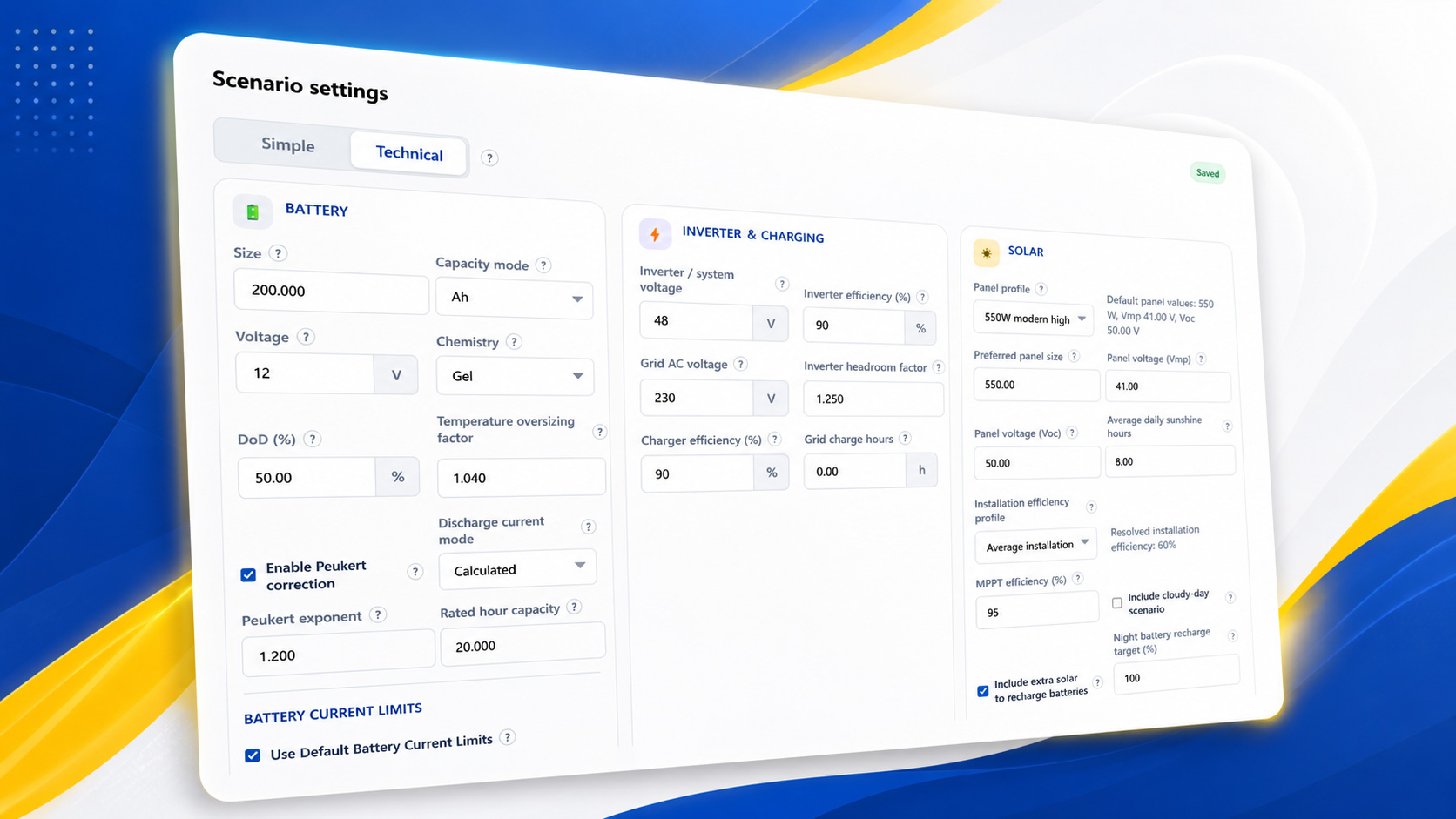
Typical uses
Usually AC systems with battery backup, solar or both.
Often AC loads with higher surge or motor-related considerations.
Useful where the same site may need several operating assumptions compared.
Often DC or mixed AC/DC systems with charging from shore power, grid or solar.
Once the scenario matches the proposed system, the calculation can focus on the loads, operating hours and equipment assumptions that actually matter.